Internet for your marathon trip
eSIM for the Honolulu Marathon
Start in the dark and finish by Kapiʻolani Park. Set up internet for Honolulu at home, with time to spare before your early journey to the start. Check that your chosen bundle covers Hawaii.
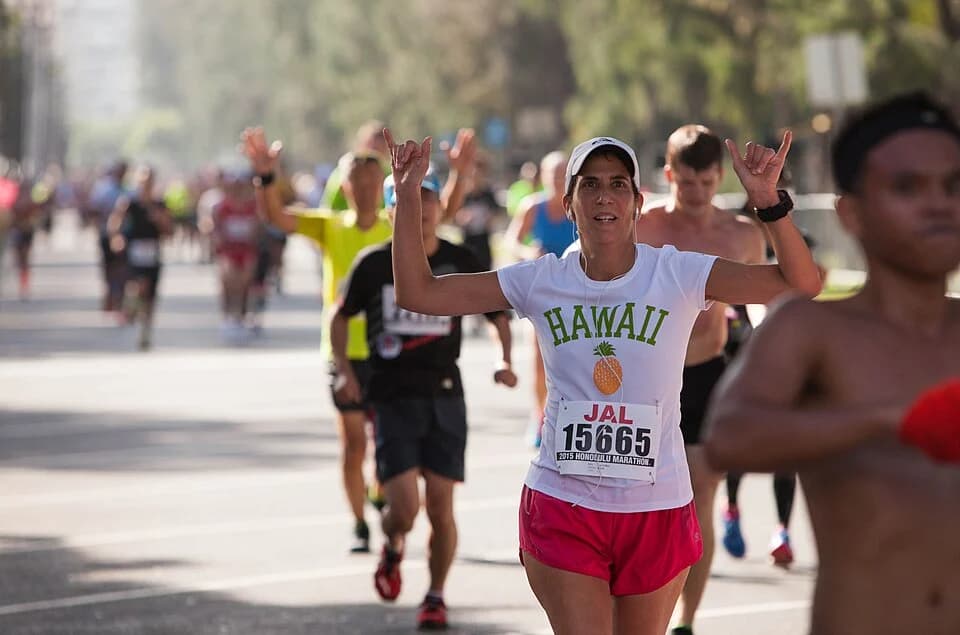
.jpg)
- Race day
- Start from
- 05:00 (local time)
Choose your bundle before departure
Compare data allowances and validity for your whole stay. Each bundle shows its current price and terms.
Garmin and Strava on your marathon trip
Just recording your run? GPS recording in Strava does not need mobile data. Maps, Live Segments and Beacon can use data. Choose a bundle for those features and your whole trip, rather than the marathon distance alone.
Strava on GPS and data usageView data bundlesGarmin LiveTrack: take your phone
For Garmin LiveTrack using your phone connection, take your paired phone with you. Keep the compatible watch connected to Garmin Connect over Bluetooth, with cellular reception on the phone. Some LTE models offer another connection through a separate Garmin subscription.
Garmin LiveTrack requirementsStrava Beacon with Garmin
According to Garmin, Strava Beacon through the Garmin Connect app needs a Strava subscription and a compatible watch with LiveTrack Auto Start. Location updates use your phone's cellular connection. A HolySim data bundle does not include a Strava subscription.
Connect Beacon to GarminShare your run on Strava after the finish
Connect Garmin Connect to Strava before departure and allow activity sharing. After your activity uploads to Garmin Connect, it can transfer to Strava. If you record in the Strava app, you can also wait for Wi-Fi to upload the run.
Connect Garmin Connect to StravaTest your location link with supporters during a short run before the trip. Gaps in reception can interrupt updates. Agree on a fixed meeting point after the finish too.
HolySim supplies the data connection for your compatible phone. It does not add a separate LTE plan to your sports watch.
Check your phoneInstall your eSIMHonolulu Marathon
Official race informationInformation checked on 26 October 2026. Follow the organiser's latest participant instructions.
Prepare for the 05:00 start the night before
The race starts on Ala Moana Boulevard. Save the address and the route from your hotel the evening before. The organiser recommends walking from Waikīkī. Check the distance from your own hotel before deciding whether that works for you.
Collect your bib before race day
Collect your bib at the expo in the Hawaii Convention Center. There is no race-day collection, so plan this before Sunday. Agree on a clear meeting point near Kapiʻolani Park for after the race, and save the plan on both phones.
A few final checks
Can I keep using my usual number?
If your phone supports two active SIM lines, you can keep your usual line enabled. Use the eSIM for data and disable data roaming on your usual line. Calls and texts may still incur charges. Check with your home provider.
Does this eSIM work in my Garmin watch?
The data bundle is for your compatible phone. Garmin Connect uses that connection for phone-based LiveTrack. This eSIM is not an LTE subscription for your watch. Check which connection your exact model supports before departure.
HolySim is not an official partner of this marathon.